
Description
Picco
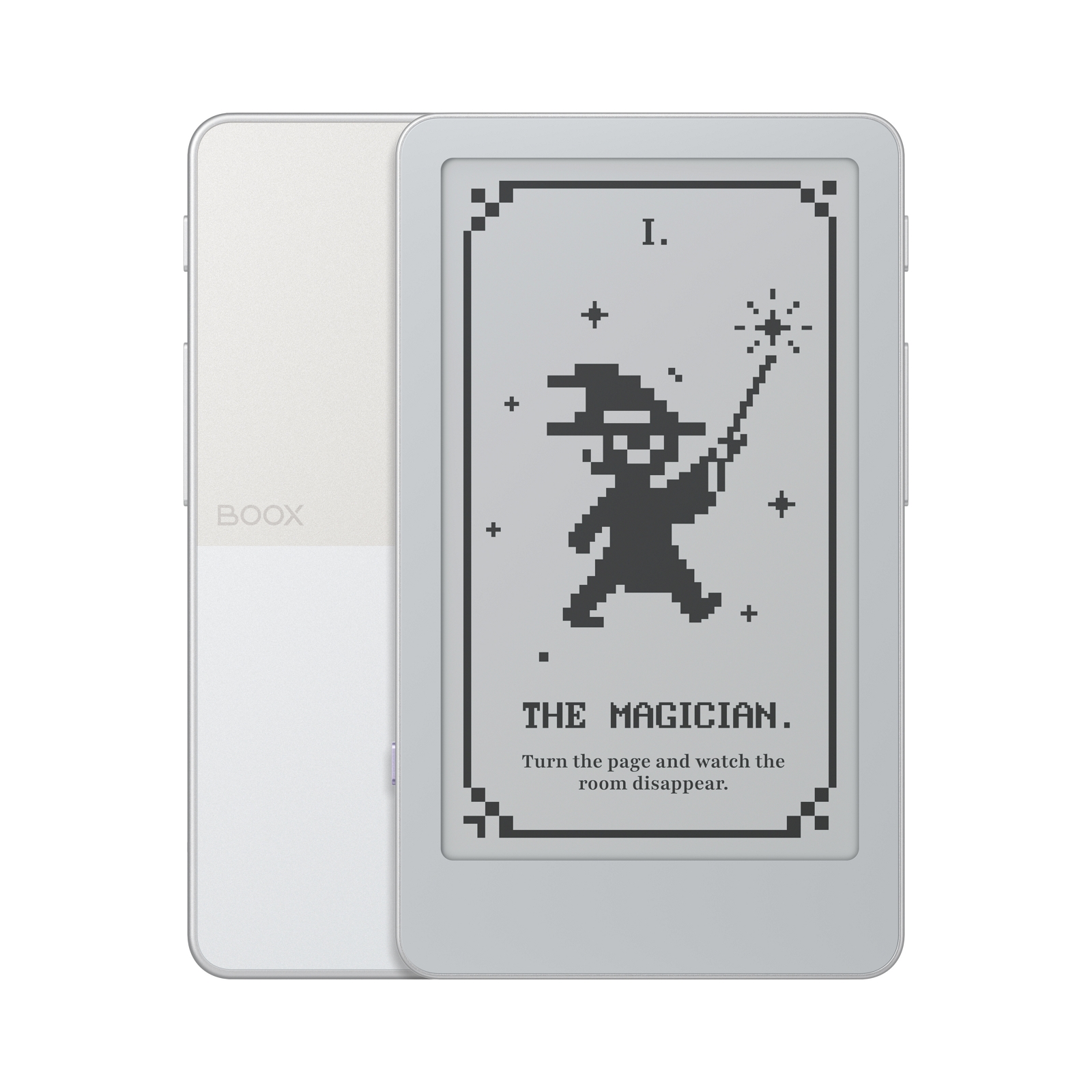
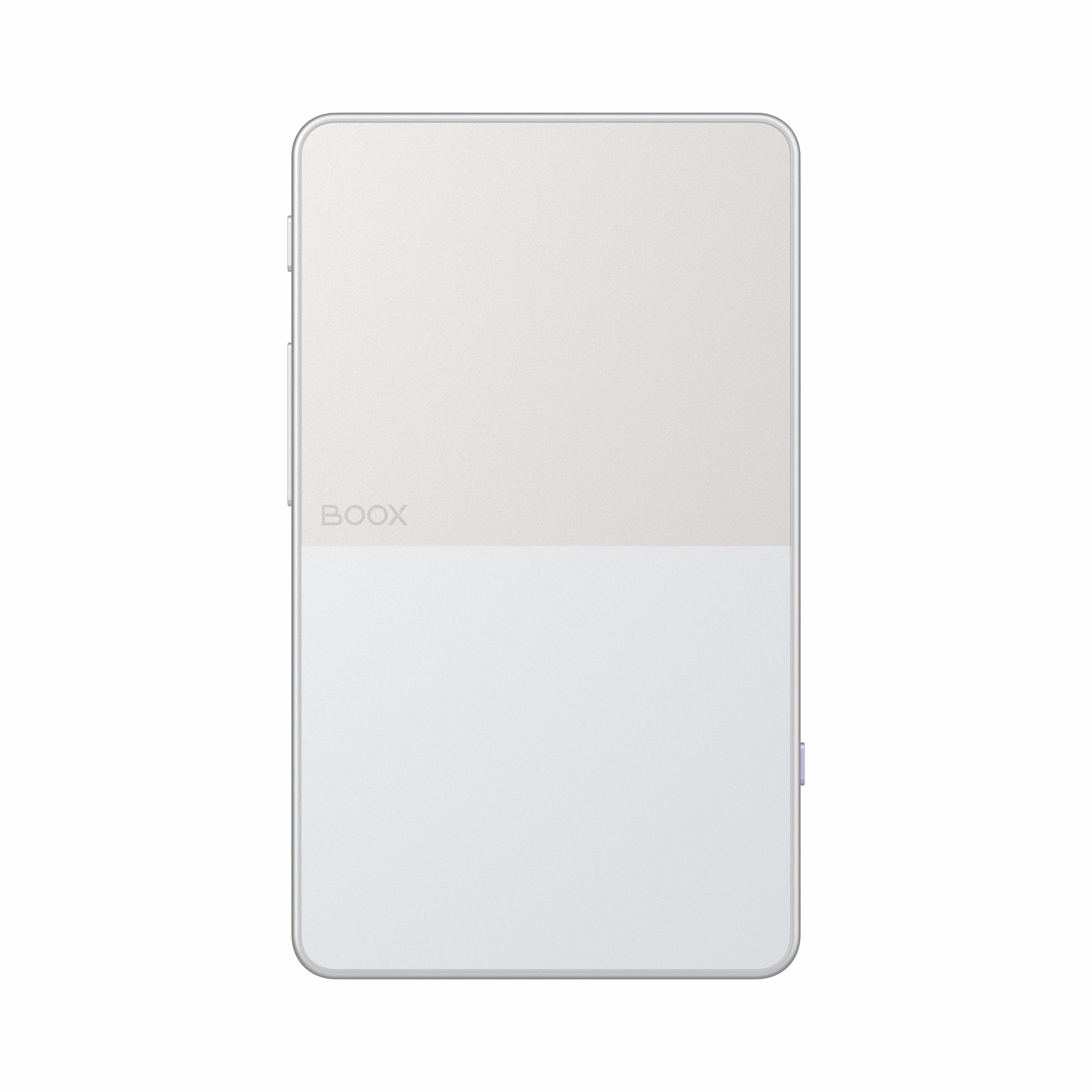
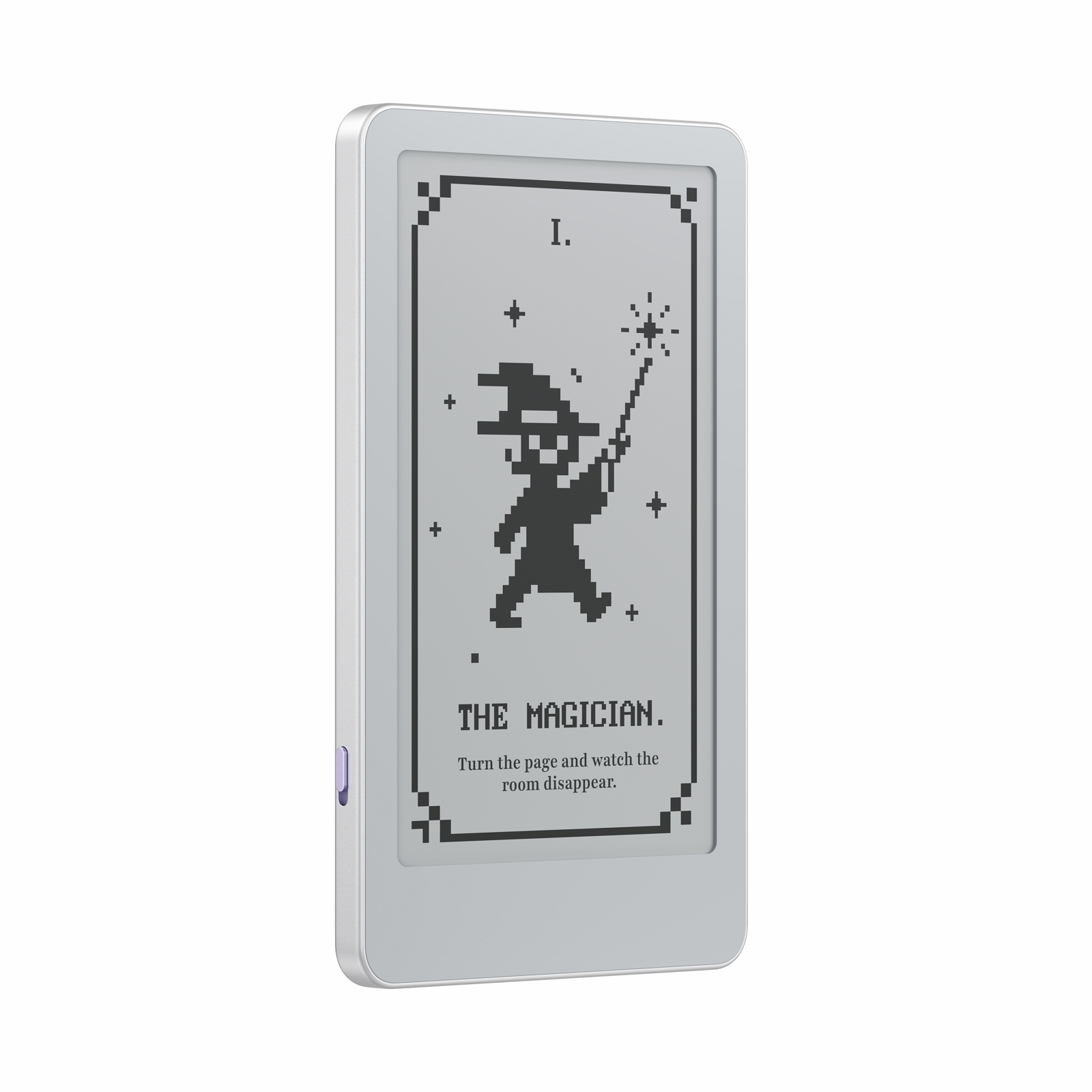
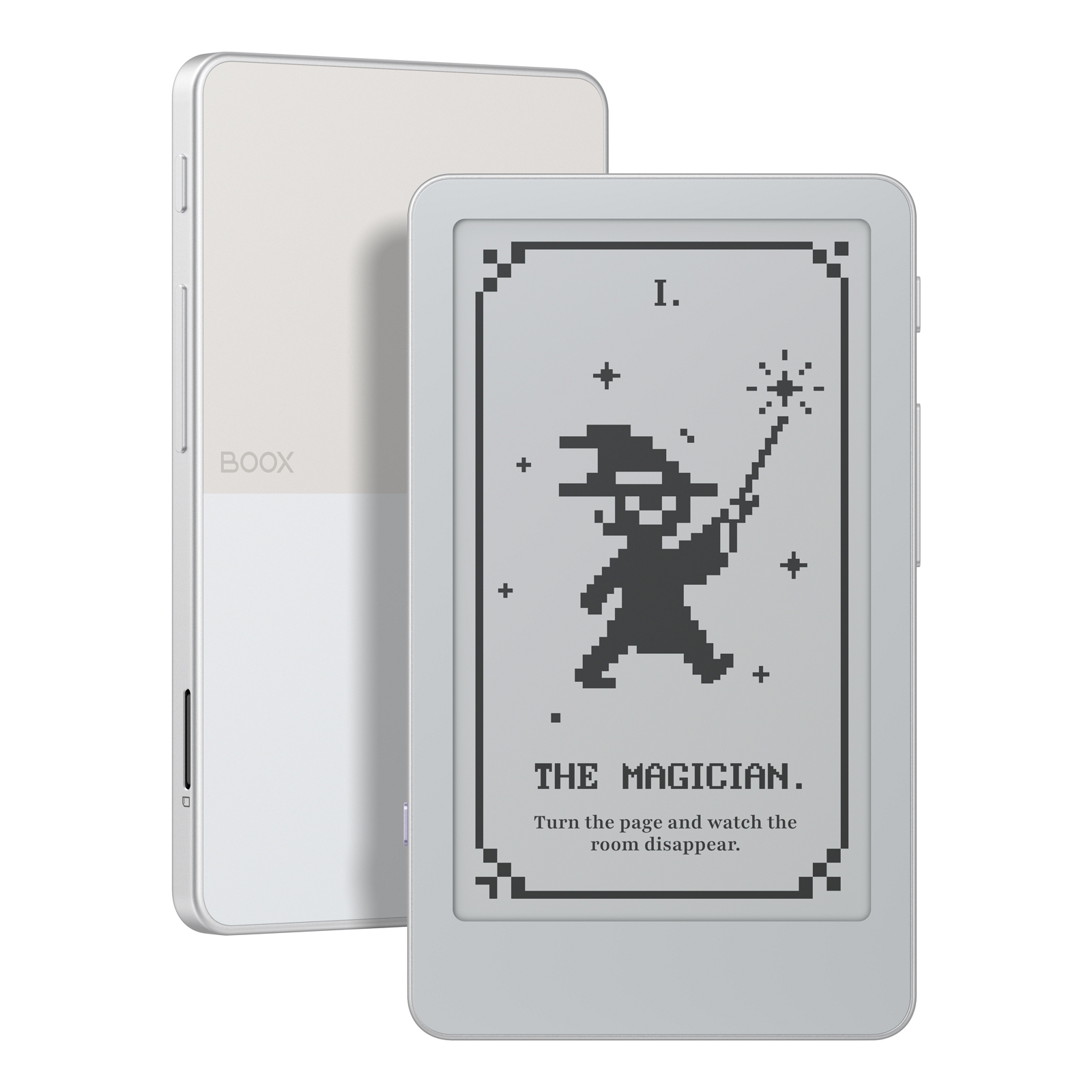
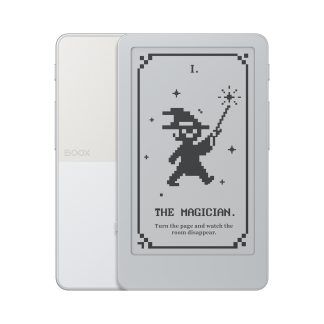
The card-sized BOOX Tile for pages and fun.
The Most Playful Thing You Own
The 3.97″ Picco, the first device in BOOX Tiles¹, is small enough to always say yes to a page. Dress it up with your own screensaver and play with little extras like a Pomodoro timer and Todo.
A Better Kind of Pocket Fun
About the size of a playing card, Picco goes with you like your keys and wallet. So in the checkout line or the wait at pickup, you reach for a chapter instead of a doomscroll.
Power Button
Page Up
Page Down
microSD Card Slot²
Function Switch³
USB-C Port
Front Light
Dark Mode
Every Light, Every Hour, Easy to Read
Dual-Tone Front Light
Set the brightness and color temperature to read comfortably at any time.
Smooth at Every Edge
Picco uses anti-aliasing for the small ePaper display, rendering every letter clean.
Two Looks, One Tap
Read dark text on a light page, or flip to white on black.
Open Anything, Tweak Everything
Reads Many Formats⁴
From EPUB to MOBI and beyond, whatever’s in your library, Picco opens it.
Just-Right Layout
Adjust the font, spacing, and margins until every page fits the way you read.
Tap or Press
Picco supports both touchscreen and buttons, so you can turn pages however you like.
Rotate Four Ways
Turn the screen to read in portrait or landscape, and flip it for lefties or righties.
Easy Transfers onto Picco
Transfer books, images, and fonts to Picco with BOOX Tiles⁵, whether through the app on your phone, the web, or a USB cable.
From Your Phone⁶
Download the BOOX Tiles app, scan the QR code to pair your Picco, then upload your files.
On the Web
Open booxtiles.com in your browser, sign in, and upload your files to Picco.
With a Cable
Connect Picco to your computer, open booxtiles.com, choose USB transfer, and pick the BOOX TILE folder to upload.
Snap It On, Take It Along
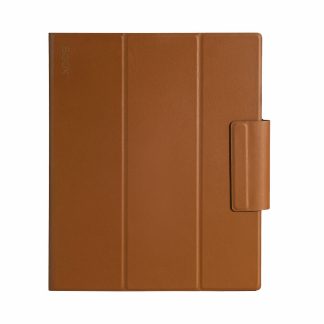
The case keeps Picco safe from bumps and scratches, and its built-in magnetic ring snaps Picco onto the back of your phone, so the two travel as one.
Footnotes
[1] The BOOX Tiles lineup is a new branch of lifestyle companions and novelties, a fresh step beyond the classic BOOX Tablets.
[2] A microSD card is included with your Picco. You can also use your own card (up to 2 TB).
[3] You can configure the Function Switch in Settings to turn the front light or Dark Mode on and off.
[4] Picco is compatible with a wide range of formats. Document formats include EPUB, MOBI, AZW3, AZW, AZW5, FB2, FB2.ZIP, FB3, FBZ, TXT, PDB, PRC, RTF, HTML, XHTML, HTM, and CHM; image formats include PNG, JPEG, WEBP, BMP, and GIF. These formats are supported when transferred through the BOOX Tiles app or web.
[5] The BOOX Tiles app is mainly used to transfer ebooks, fonts, and images to your device, and also offers handy tools like countdowns and to-dos. A web version is available at booxtiles.com.
[6] Phone and web transfers work two ways: over the same Wi-Fi, or through the cloud when you’re not on the same network.
Reviews
There are no reviews yet.